Chris Voss's accusation audit as a skill / Sharing Claude with your team / A day and a half off an accountant's plate
26 November 2026
buildwitholi
Hello all,
A little bit later today, sorry, I'm travelling to London, but as always, Happy Thursday!
A quick note from me
It's been almost four months since I left my job to work for myself, so I wanted to share how it's going.
I'm unbelievably grateful to have found an offering people actually want.
I thought I'd be building custom software for small businesses with a bit of AI advice on the side.
But that's not how I use AI, and it isn't what people were asking for.
So most of my work now is helping small business owners get properly set up with Claude, using the same system I run my own business on.
Two of my first clients found me through a video I posted in August, and between them they've introduced me to almost everyone I work with now.
It's been a good reminder that the best thing you can do for your business is look after the people you already work with.
Thanks for being here for it, lots more to come!
Now to the newsletter...
[IN SHORT]
This week
- Chris Voss → the FBI negotiator's trick, so Claude stops calling your price rise email "clear and polite".
- Video ten → sharing Claude with your team, and the course price is about to go up.
- A day and a half, gone → an accountant handed Claude a client's unpaid invoices and got her time back.
- Worth your time
- Your own apps → anything Claude builds you can now live on your desktop.
- Update Claude → you're probably missing features already.
- The free reset → don't waste it the night before your limit comes back.
[GREAT MINDS]
Chris Voss's accusation audit
Claude is the world's most convincing yes man, so I'm turning history's greatest minds into skills that stop it behaving like this.
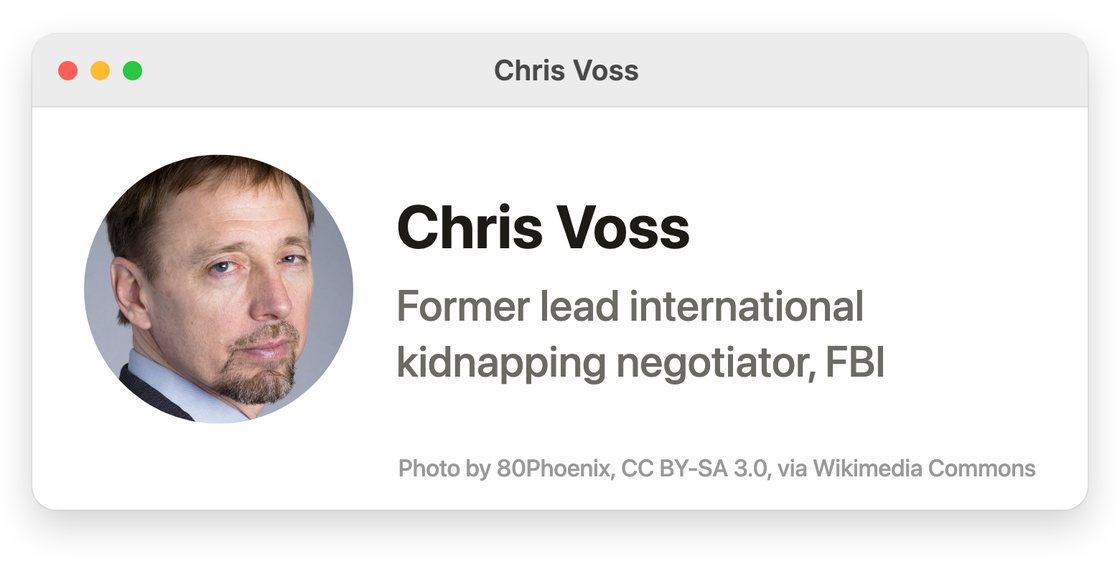
This week's comes from the FBI's former lead international kidnapping negotiator, Chris Voss.
If you ask Claude to help with an email putting your prices up, it'll tell you it's clear and polite.
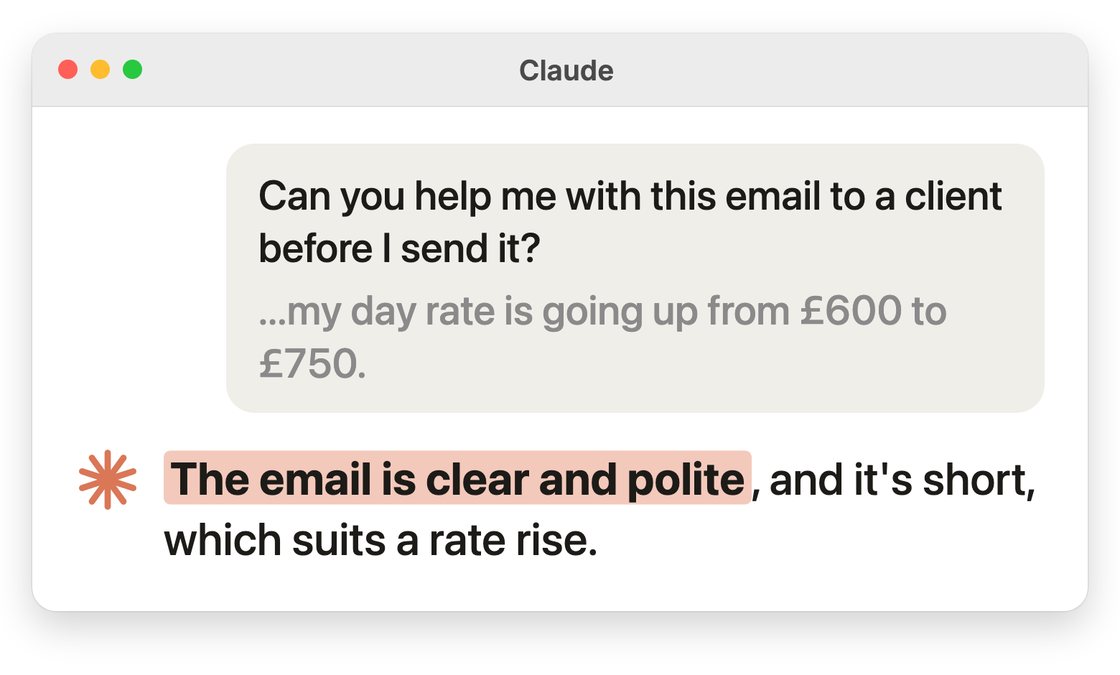
It'll tidy up the wording, but it won't think about what your client is going to object to.
Voss says that before you ask for anything, big or small, you don't hide from what the other side is thinking.
You say the worst of it out loud before they can, and he calls it an accusation audit.
Like calling your mobile provider and opening with, "You're going to think I'm another cheap, irate customer."
Once it's said out loud, it can't blow up the conversation later on.
So I've turned it into a skill, and now I just tell Claude to run the accusation audit:
- First, it reads your email as your client at their most suspicious.
- Then it lists everything they'll think but won't say.
- If one of those is actually true, it tells you to fix that, not the email.
- Then it rewrites your opening, so you say those things before they do.
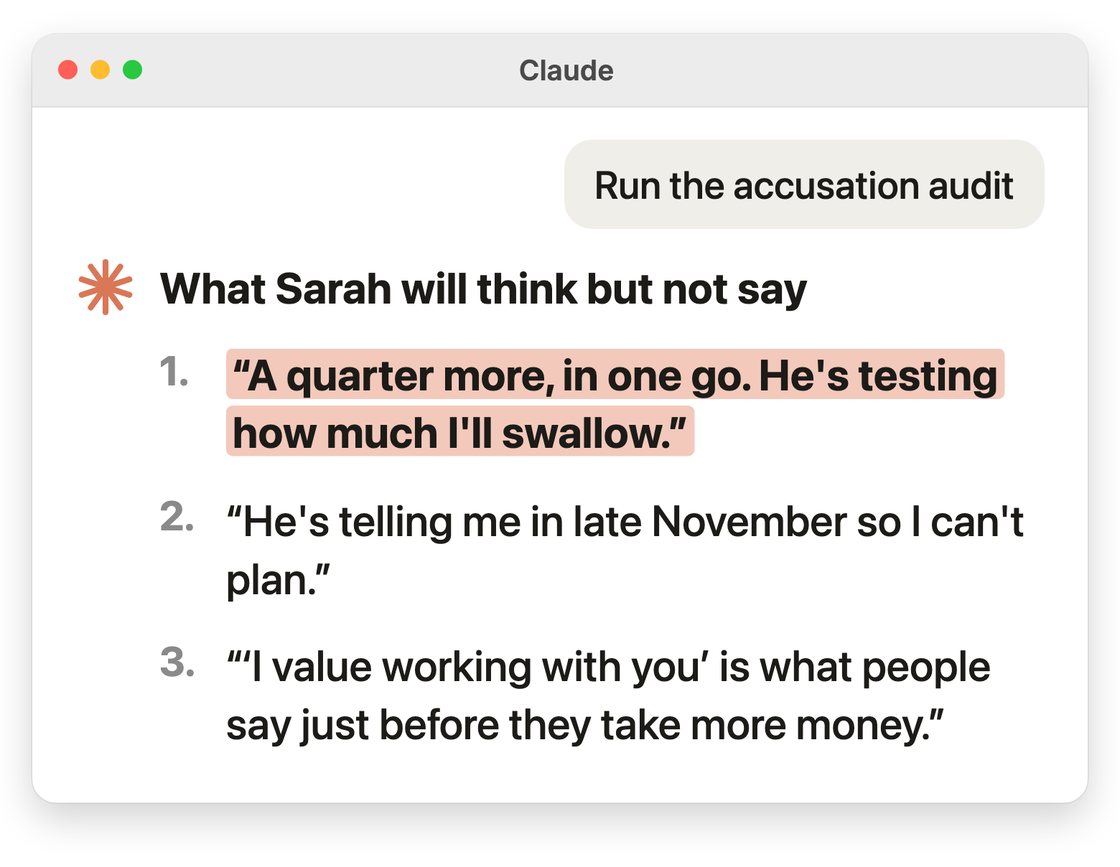
It has to argue as your client, so it can't tell you your email's fine.
And it doesn't have to be an email, it works on any hard conversation you're preparing for.
[NEW YOUTUBE VIDEO]
Video ten, sharing it with your team
Once Claude knows your business, the next step is sharing it with a colleague or a co-founder, so you all work from the same documents.
Copies drift the moment you email them round, so instead everyone opens the same folder, with the same brief and the same skills.
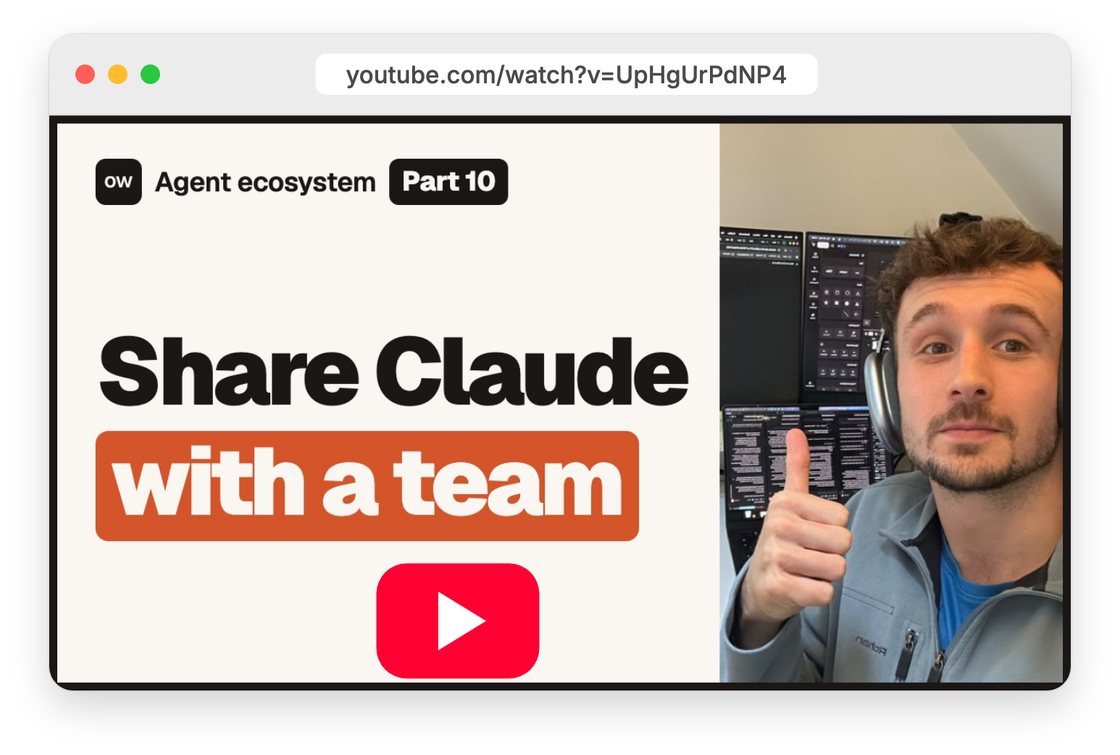
In this video I cover:
- One folder everybody opens: in the SharePoint, Google Drive or OneDrive you already use.
- A brief for the business and one for each of you: because you're each hired to be you.
- Which skills are shared: and which stay yours.
- What goes wrong: from two people editing one file to an agent that doesn't know who it's working for.
The series is almost done now, and once the last video is out, the price of the full course goes up.
So if you've been thinking about it, now's the time.
[CASE STUDY]
A day and a half of work, off her plate
It's the same accountant again, because she keeps finding new jobs to give Claude.
This one was for a client who repairs cars, where one car can have five invoices against it.
Part of a repair might be paid by an insurer and part by the driver, so the money comes in from all over the place and some of it lands on the wrong account.
Sorting that out means going through the list of unpaid invoices one car at a time.
So she gave Claude the list and asked it to find the payments sitting on the wrong account.
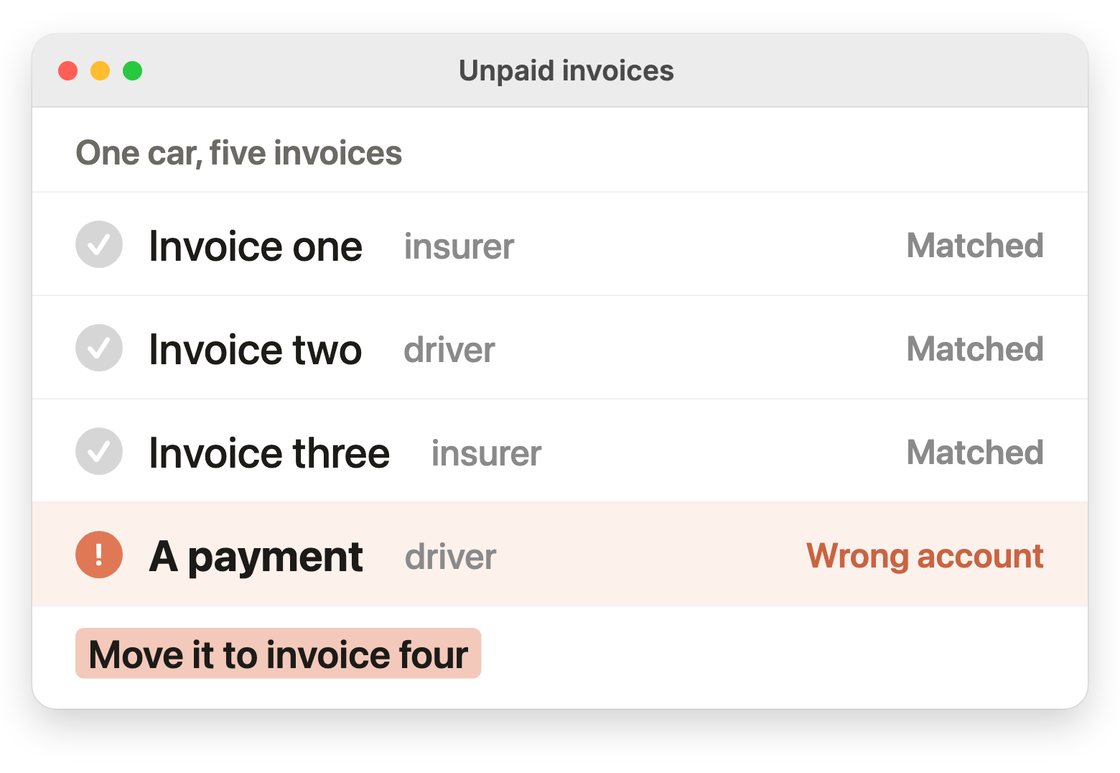
It worked through the whole list on its own, then came back with exactly what to change.
She made the changes herself, which took her about 20 minutes, and in her words:
"I could have easily spent a day and a half doing that work."
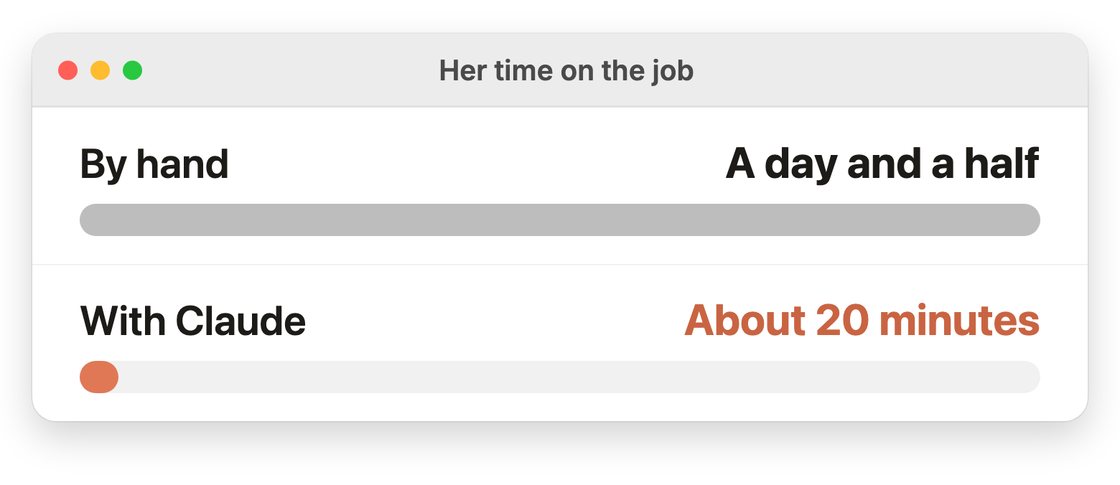
She still checks every change and makes them herself, but the day and a half is off her plate.
[WORTH YOUR TIME]
Turn something Claude built you into an app
TL;DR: something Claude built you can now be its own app on your computer.
Since Tuesday, if Claude has built you something in a chat, like a quote calculator or a client tracker, you can install it as an app on your computer.
It gets its own window and icon, and it can still use Claude and your connectors (the apps you've linked to Claude, like your email or calendar), the same way it does in the chat.

Open what it built, click its title, and choose Install as app, which needs the latest Claude for Mac or Windows.
It's in beta on every plan, and anything the app asks Claude counts towards your usage limit.
Anthropic doesn't check these apps, so only give full access to ones you trust.
Don't forget to update Claude
TL;DR: check for updates once a week, or you miss the new features.
If you use Claude in the desktop app or the VS Code extension, this is your reminder to update it, because they're shipping new features all the time.
Recent updates have added:
- Installing as an app: turning something Claude built into its own app, just above.
- Passing files to your apps: sending a file straight to an app you've connected.
- Prompt suggestions: in the desktop app's Code tab, Claude pre-writes what it thinks you'll type next, so you press Tab and send.
In the desktop app, click Claude in the top bar, then Check for Updates, and it'll tell you whether you're up to date.
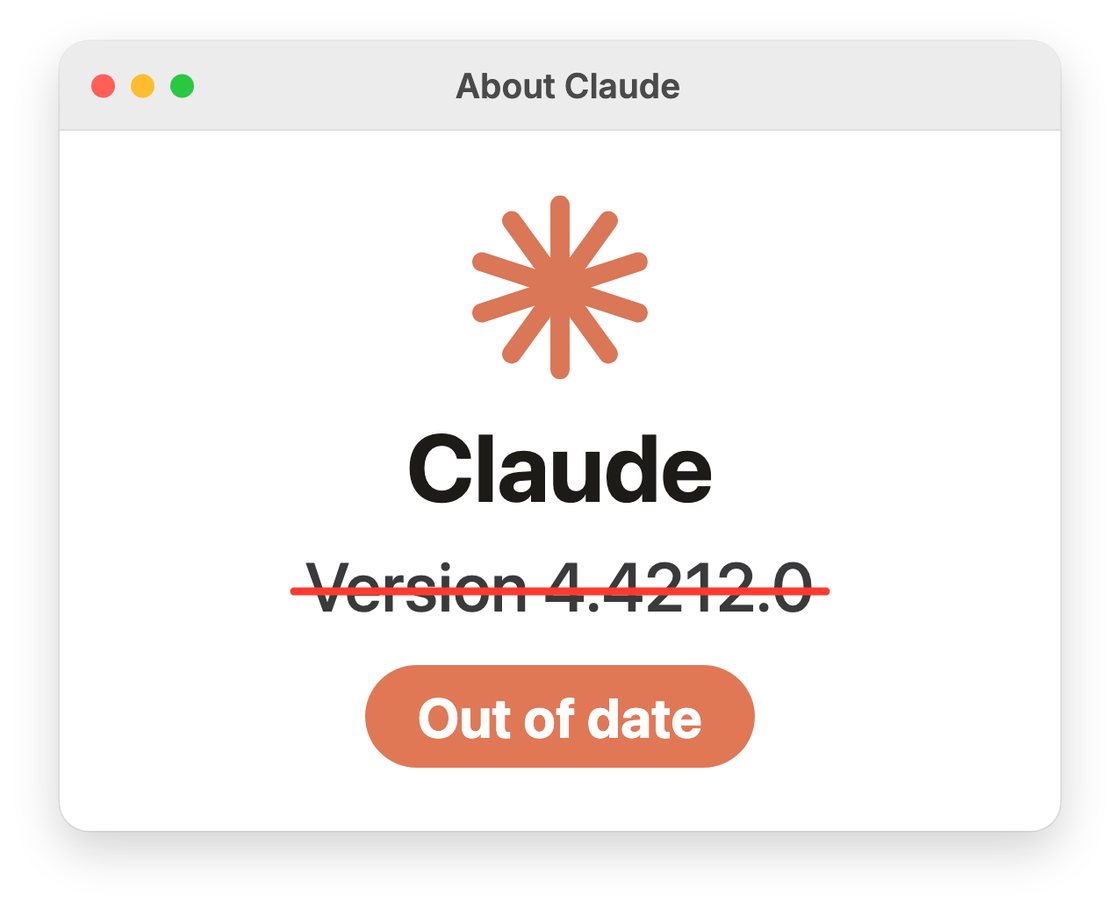
I've seen people on version three and four recently, when the latest is on version six.
The free button for when you hit your limit
TL;DR: save the free reset for when you're locked out with days to go.
If you've ever been locked out of Claude with work due, there's a button in Settings, then Usage, that says Reset for free.
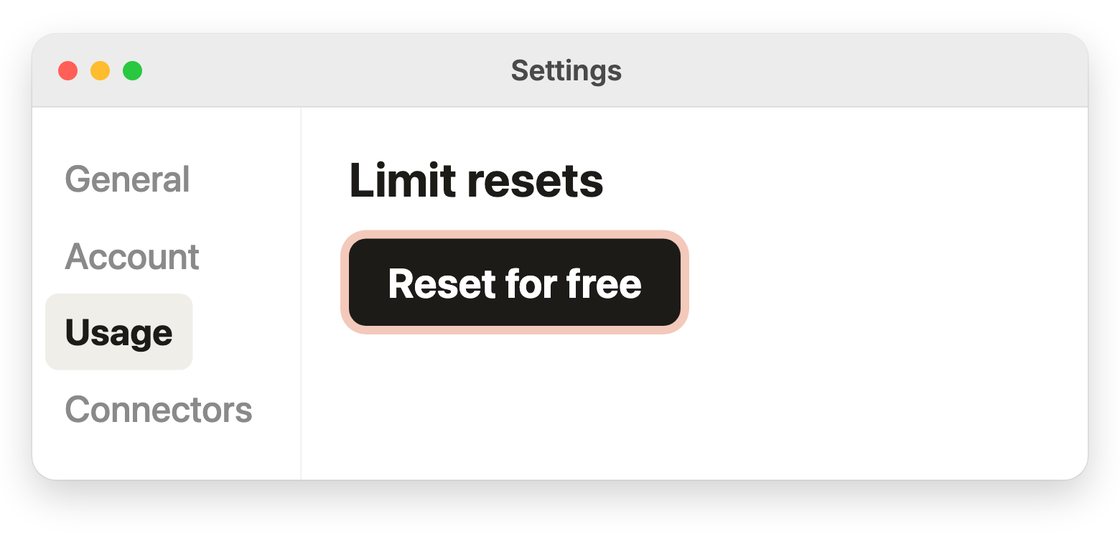
But your weekly limit comes back at the same time every week anyway, and pressing it doesn't change when.
So keep it for when you're locked out with days to go, and that same page tells you how many days.
On Max or a premium Team seat you were probably given one to three free resets for Fable, and they run out on 8 March.
Thanks for reading.
If you run a small business and you feel you're not getting as much out of AI as you could be, I've got some slots for a free 30-minute chat.
We'll talk through your setup, how you're using it now and how you could get more out of it.
If you're keen, I'd love to chat.
And if a chat isn't for you, hit reply and let me know what you'd like more of in these emails.
Chat soon,
Oli
Get the next one