💌 Part four is live / Can ChatGPT read your website? / The one check never to trust Claude with
15 October 2026
buildwitholi
Hello people,
Happy Thursday!
This week is about getting found by AI, keeping your business in your own hands, and catching a mistake before a client does.
[IN SHORT]
This week
- Part four is live: set up your ecosystem and have Claude file everything into it.
- Your website: mine scored 55 out of 100 on how well AI can read it, and one prompt took it to 99.
- Claude projects: why I keep my business out of them.
- Checking Claude's work: only trust it on yes or no.
- Worth your time: free contracts written by lawyers, and keeping Claude to drafts.
[NEW YOUTUBE VIDEO]
Part four, let Claude organise your business files
Part four of the course is out, and it's where we actually set it up.
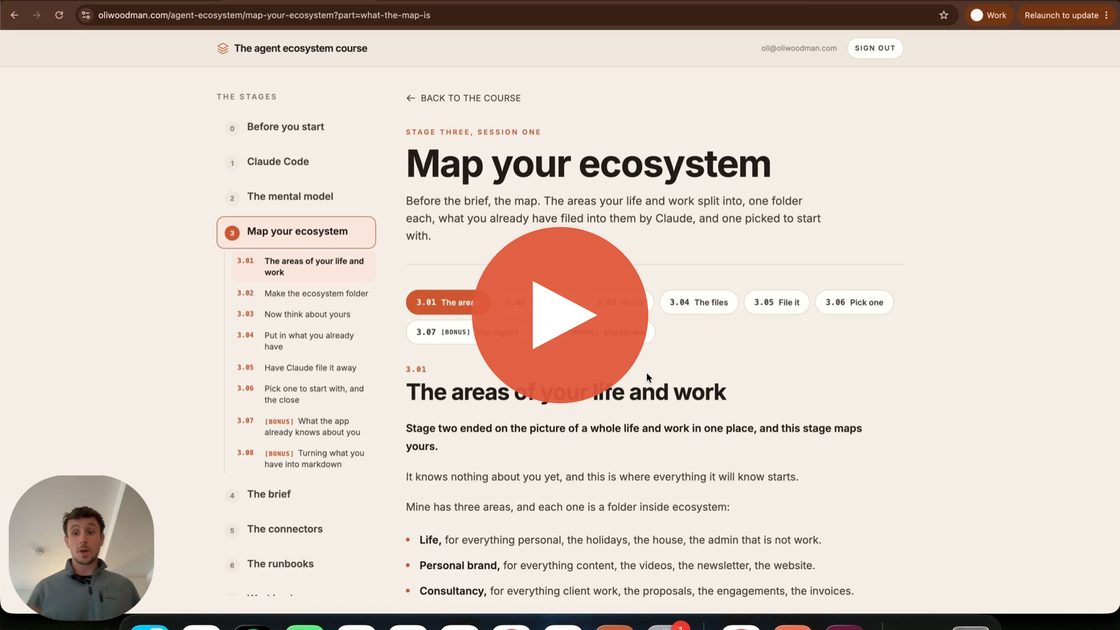
I build one from scratch, so you can follow along:
- One folder: called ecosystem, with Claude working inside it.
- The areas: a folder for each part of your life and work, each with a short note on what's in it.
- Dump it all in: everything you already have goes in unsorted, and Claude files it away for you.
- Ask across it: compare my three clients, what clashes in the next six weeks, and what keeps coming up for the next newsletter.
[WHAT I BUILT]
Can AI read your website?
When someone asks ChatGPT or Claude to recommend someone like you, it reads your website, but not the way your clients do.
It skips the design and reads the plain words underneath.
Vercel have made a free tool called Is Agentic, where you paste in your web address and it scores out of 100 how well AI can read your site.
Mine came back at 55.
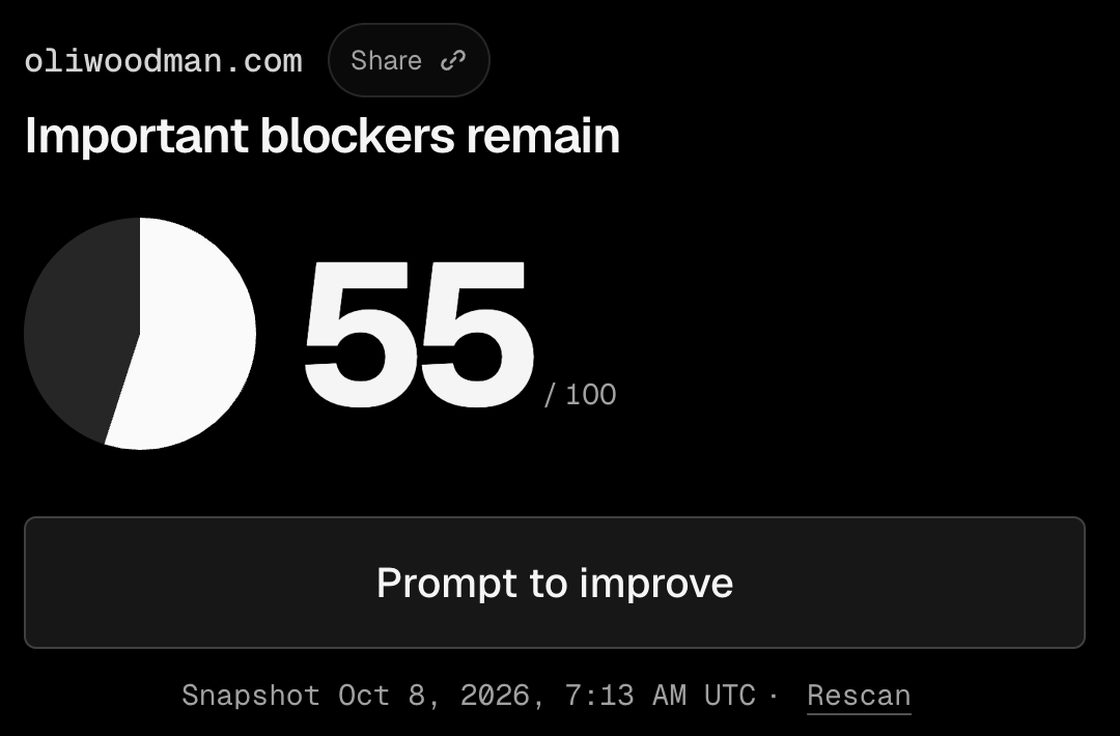
It failed on three things:
- Dead ends: old pages that sent it nowhere.
- Who I am: a missing description, tucked in where visitors never see it.
- A page written for AI to read: what I do, who I help and when it should recommend me.
The third is the one that matters, and you get to write it yourself, right down to who you're not for and that it shouldn't quote your prices.
I handed the fixes to Claude in one prompt, nothing a visitor sees changed, and the next scan came back at 99.
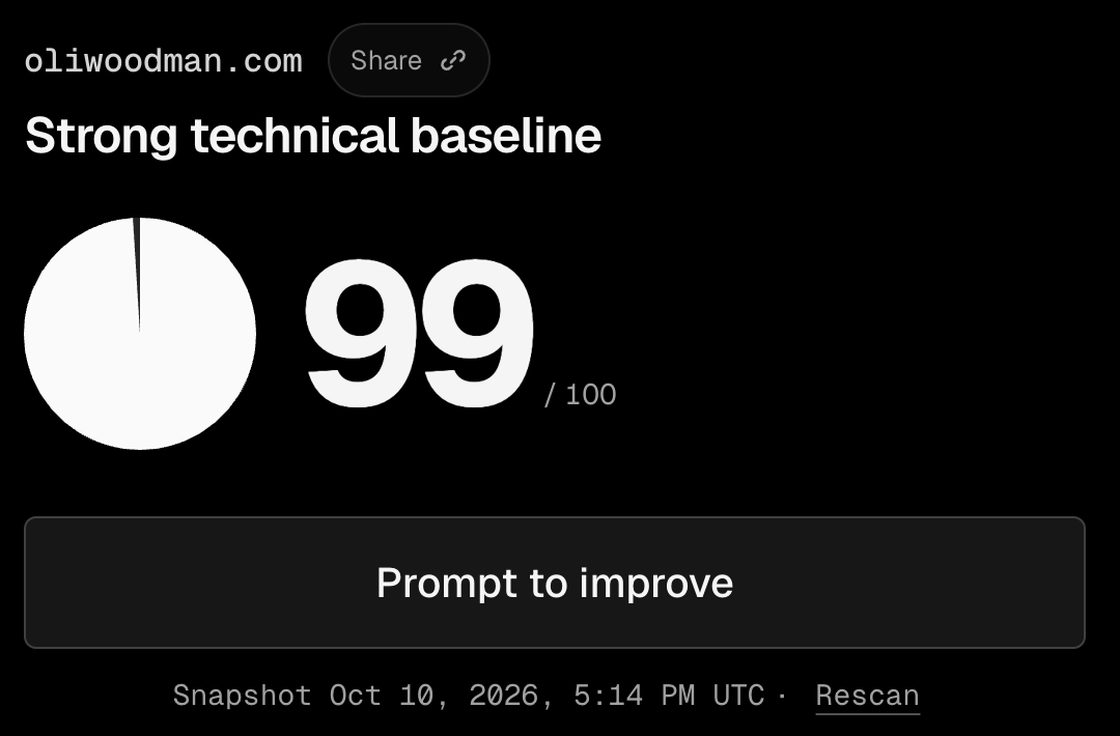
The guide has the prompt, with three rules I put above it so Claude explains each fix and changes nothing until you say yes.
[CLAUDE PROJECTS]
Keep your business out of them
This was my most watched video this week, and I think it's the most important one.
A Claude project is like a star employee who never writes anything down.
The day they ask for a pay rise, you pay it, because nobody else knows how anything works.
That's you with Claude if the price ever goes up, because what a project has learnt can't be loaded anywhere else.
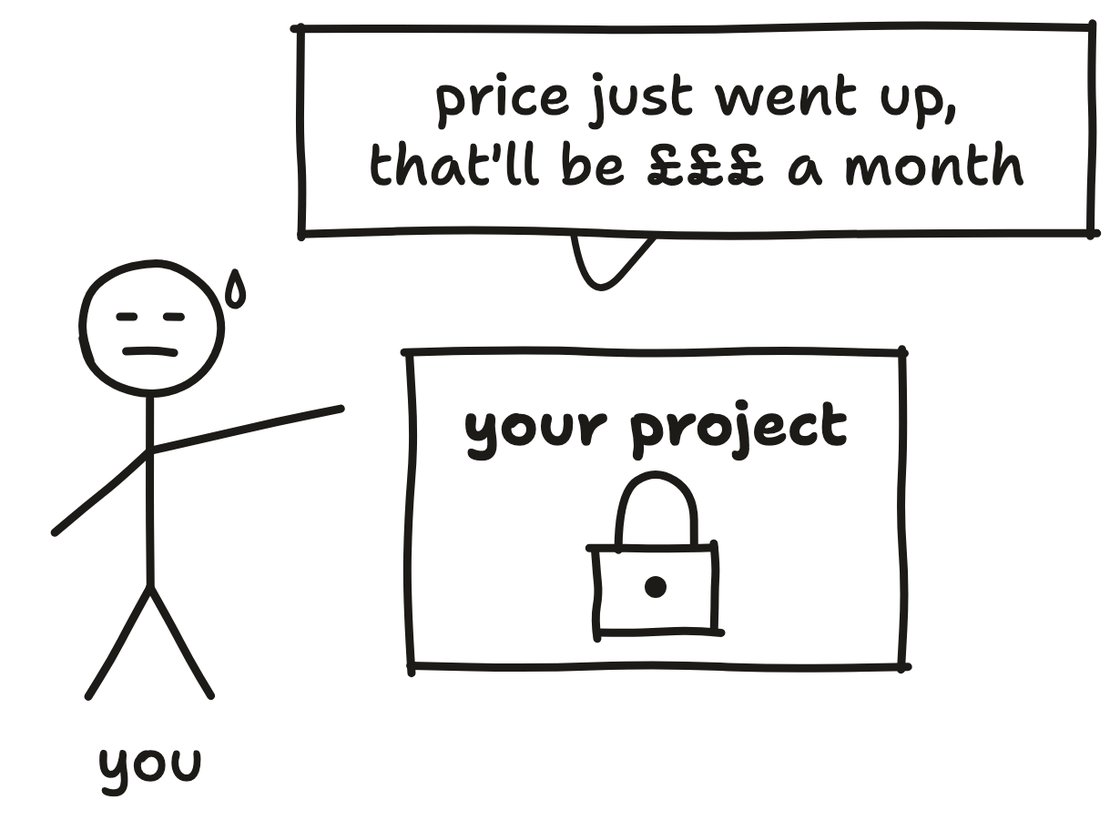
So I keep my business written down like a handbook, in folders on my computer, with a folder for each part of it inside one folder called ecosystem.
I point Claude at that folder, so it reads the whole business at once rather than one project's corner of it.
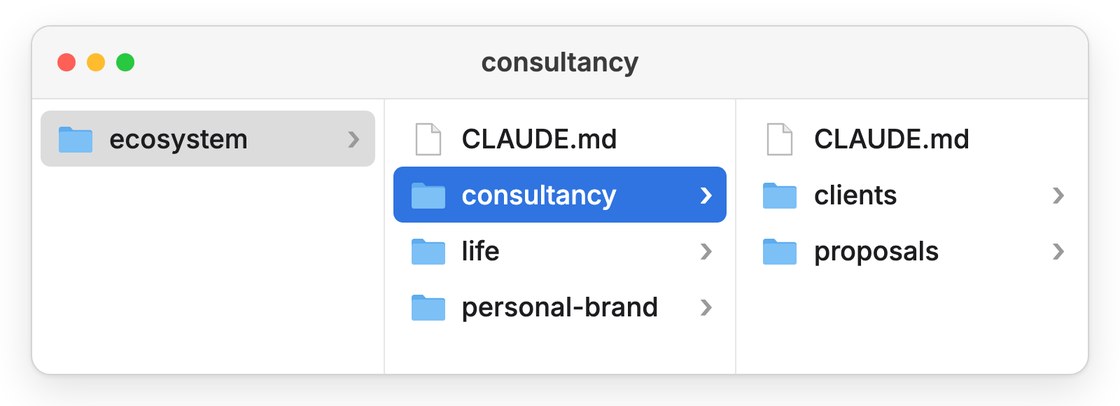
And if the price ever does go up, any other AI can pick up the same folders and carry on.
Part four, above, shows you how to set it up, and the course takes it from there, free to start.
[CHECKING CLAUDE'S WORK]
Only trust it on yes or no
Claude can check its own work before it hands it back, but there's one kind of check I never trust it with.
There are two kinds:
- Yes or no: is it in British English, is there an emoji in it?
- Judgement: is this good enough to send, does it sound like me?
Claude is good at the first, because there's nothing to argue about.
The second is the problem, because when Claude marks its own homework, it's a very generous marker.
Anthropic have written about it themselves, that when it judges its own work it tends to praise it confidently, even when the work is obviously mediocre.
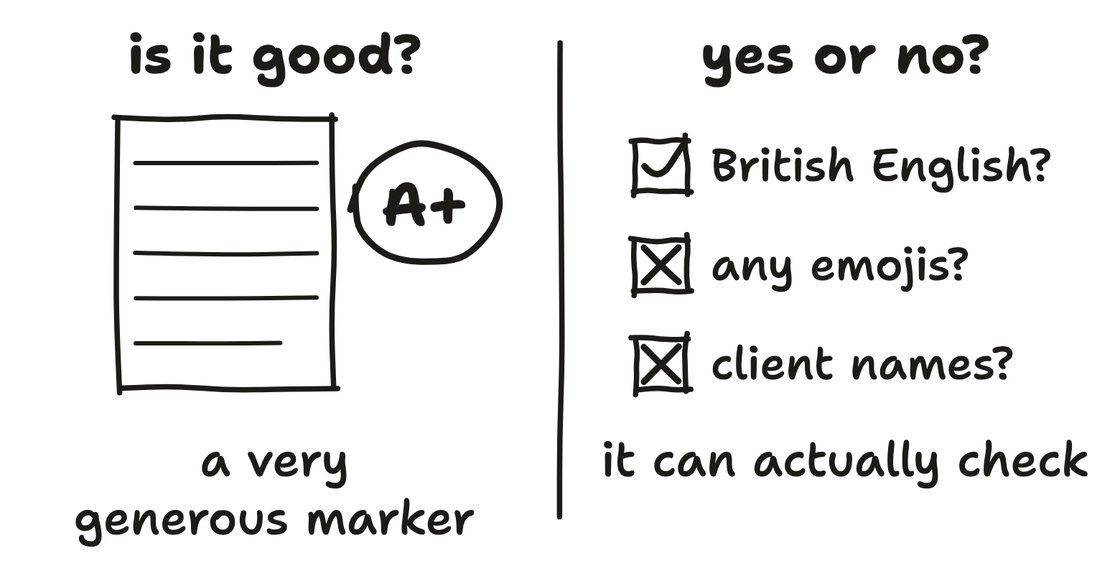
So I take the mistake I'd least want a client to see and turn it into a yes or no question.
"Make sure it's professional" is a judgement, so Claude will happily tell you it is.
"No other client's name appears in this" is a yes or no, so it can actually check it.
Mine sit in a file Claude reads every time it writes for me, and the course part has a prompt that writes yours.
[WORTH YOUR TIME]
Free contracts, written by lawyers
A US law firm, General Legal, has given away twelve of its contracts, written so your AI can fill in the blanks.
Their lawyers wrote every line, which is very different from asking ChatGPT to make one up.
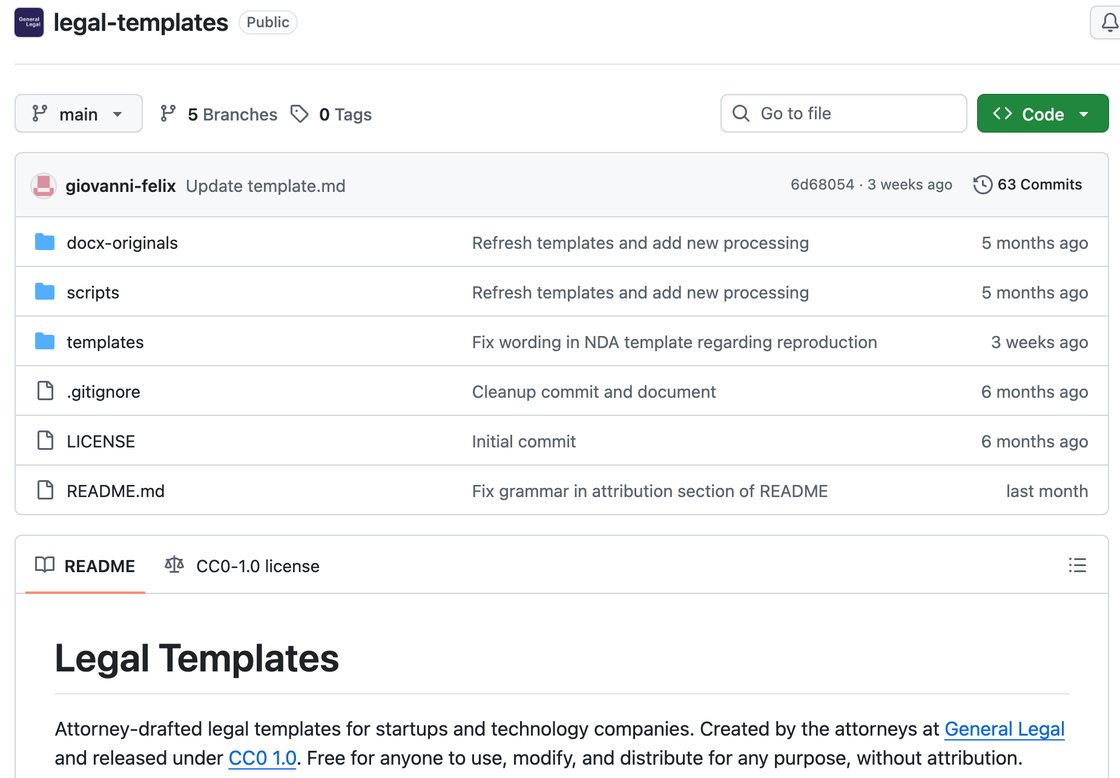
Most are written for US law, but the privacy policy and the data agreement already cover the UK.
My page picks the ones a small business would use, with a prompt that has Claude fill one in with your details, and another that writes the note for your solicitor.
Keep Claude to drafts
In August I asked Claude to "email him", and it replied to my client directly instead of leaving me a draft.
Now it can't, because everything it writes lands in my drafts and I press send.
I've also added a mod, one of the small add-ons Anthropic released for Claude Code this month, that refuses anything that would send.
If you've connected your inbox to Claude, it asks before it sends, right up until you tell it not to bother.
So set it to draft only, and the course part shows you how.
Thanks for reading.
If you run a small business and you feel you're not getting as much out of AI as you could be, I've got some slots for a free 30-minute chat.
We'll talk through your setup, how you're using it now and how you could get more out of it.
If you're keen, I'd love to chat.
And if a chat isn't for you, hit reply and let me know what you'd like more of in these emails.
Chat soon,
Oli